Close your eyes and listen to a good AI voice today. Can you tell it's not a person?
Most people can't anymore.
2026 has been a huge year for AI voices. They laugh, whisper and change their mood on cue. Some can even copy your voice from a few seconds of audio.
So we rebuilt this guide from top to bottom. Here are the 11 best AI text to speech tools right now, with real prices, a demo for each one, and honest pros and cons.
The Quick Version
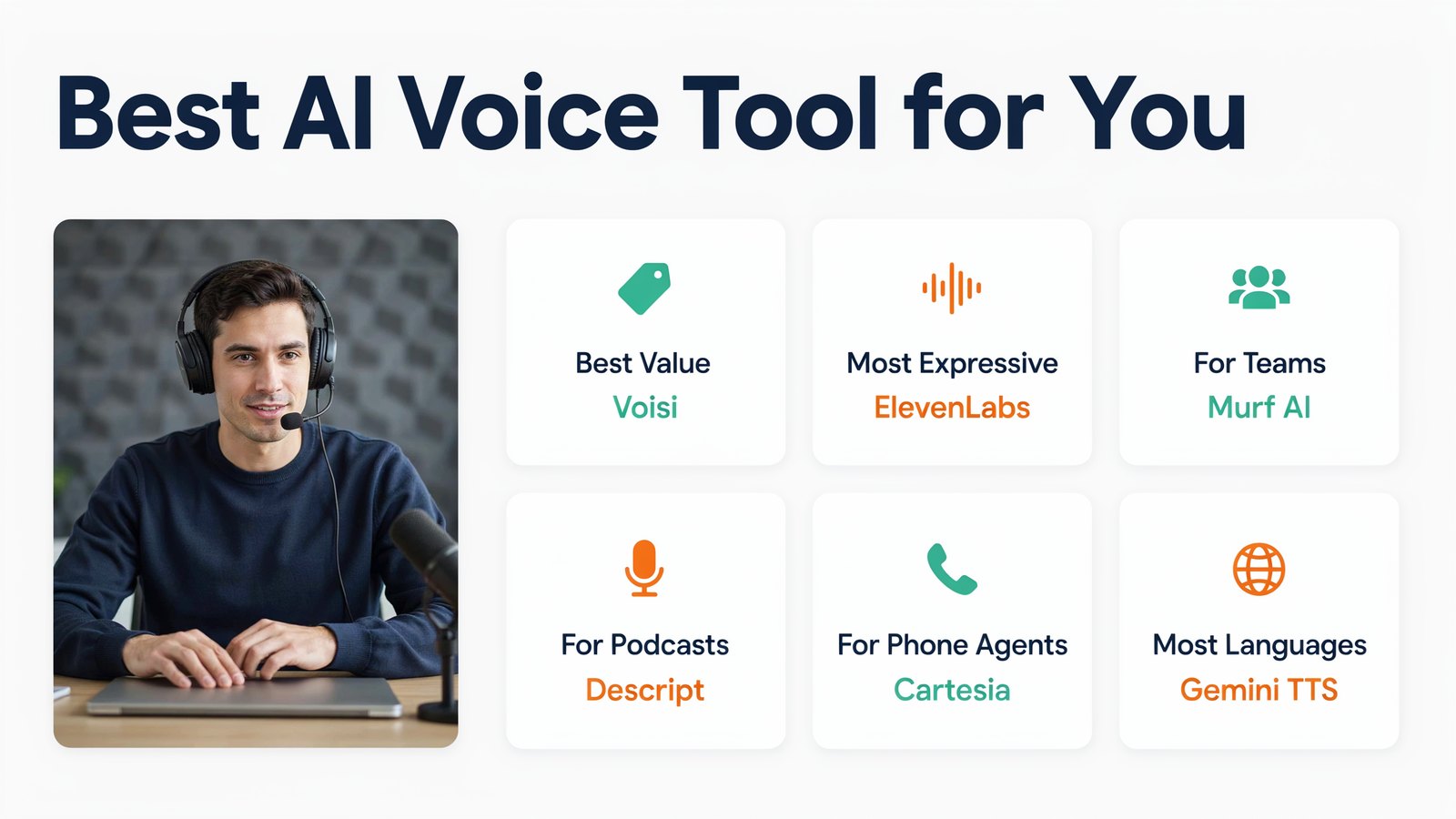
Short on time? Here's every tool side by side. Prices are the lowest paid plan, checked on each official site in October 2026.
| # | Tool | Starts at | Free plan | Best for |
|---|---|---|---|---|
| 1 | Voisi | $6.99/mo or $67/yr | No, 30-day refund | Voices, cloning, music and translation on a tiny budget |
| 2 | ElevenLabs | $6/mo | Yes | The most expressive voices |
| 3 | Murf AI | $19/mo yearly | Yes, 10 minutes | Business voiceovers and presentations |
| 4 | Speechify Studio | $100/yr | Yes | YouTube and social voiceovers |
| 5 | WellSaid | $10/mo yearly | Yes, 3 minutes | Corporate training in English |
| 6 | Descript | $16/mo yearly | Yes | Podcasters who also edit video |
| 7 | Fish Audio | $11/mo yearly | Yes, personal use | Emotional voices and cloning for less |
| 8 | Cartesia | $5/mo | Yes | Fast voices for AI phone agents |
| 9 | Revoicer | $67 one time | No | Paying once instead of monthly |
| 10 | Google Gemini TTS | Pay as you go | Yes, in AI Studio | Many languages and voice design |
| 11 | Speaktor | $4.99/mo yearly | Yes | Reading documents aloud cheaply |
Now let's look at each one.
What Is AI Text to Speech?
AI text to speech, or TTS, turns written words into spoken audio.
Old TTS read words one by one, in a flat robot voice. Modern AI voices learn from thousands of hours of real speech. They understand the meaning of a sentence, so they know where to pause, what to stress and how to sound happy, calm or serious.
The best ones in 2026 can even laugh, whisper and sigh when you ask them to.
What's New in AI Voices This Year
If you last tried AI voices a year ago, you're in for a surprise.
- Real emotion. ElevenLabs v4 and Fish Audio's Drama 3 can sound excited, nervous or tender, and even laugh or sigh on cue.
- Voices from a description. With Google's Gemini 3.8 Flash TTS, you can type "a warm, older narrator with a British accent" and get that voice.
- Cloning in seconds. Many tools, Voisi included, can clone your voice from a sample as short as 15 seconds.
- Almost instant replies. Fast voices from Cartesia and ElevenLabs v4 Turbo make AI phone agents feel like real conversations.
- More languages than ever. Some tools now cover over 100 languages, so one script can reach the whole world.
And prices keep falling. Today you can get studio-quality voiceovers for less than a cup of coffee a month.
How to Choose the Right AI Voice Tool
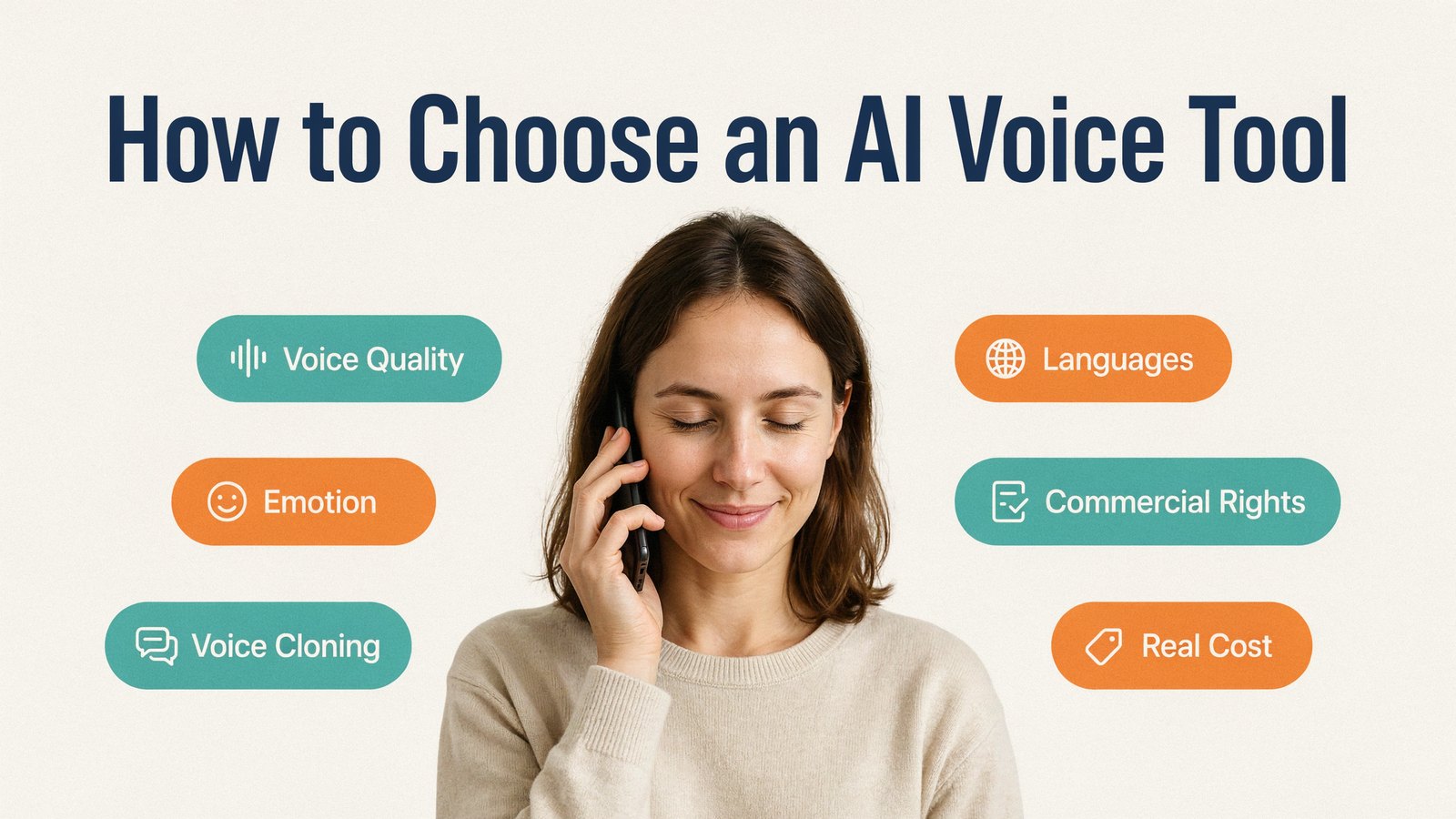
Before you pick, think about what you actually need.
- Voice quality. Does it sound natural over a full minute, not just one sentence?
- Emotion control. Can you make it sound excited, calm or sad when the script needs it?
- Voice cloning. Do you want your own voice, without recording every video?
- Languages and accents. Will you reach people in other countries?
- Commercial rights. Many free plans don't let you use the audio in paid work or monetized videos.
- The real monthly cost. Credits and minutes run out fast on cheap plans.
Keep those in mind as you read the list.
1. Voisi
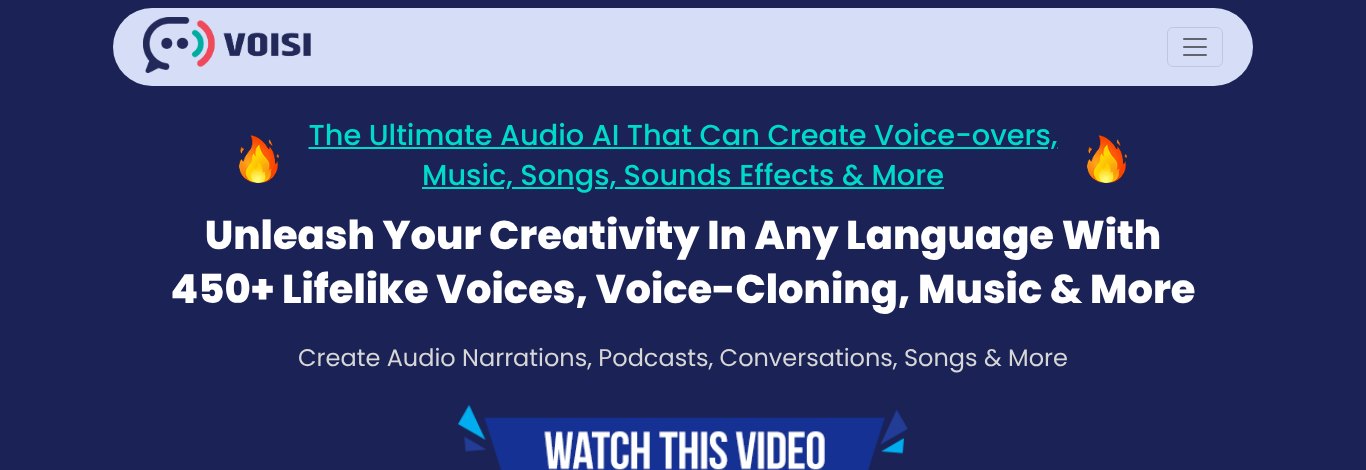
Voisi is our all-in-one audio AI, and it's built for people who want great voices without paying for five different tools.
Instead of one voice company, Voisi brings together voices from the big AI providers, including OpenAI, Microsoft, Google, Amazon and IBM. That gives you 450+ lifelike voices in one app.
And it goes well beyond text to speech.
- Voice cloning from just a 15 second sample, in 17 languages.
- Conversations with two or more speakers, for podcasts, stories and ads. Just paste your script.
- Translation of text and audio between all the major languages.
- Audio to text and audio to audio, to transcribe a file or change its voice and language.
- Music, songs and sound effects for your videos.
- Workflows that do your repeated voice jobs in one click.
- Website translation, so a landing page can speak another language in seconds.
Pricing
$6.99 a month, or $67 for a whole year, with a 30-day refund guarantee. That's less than one month of most tools on this list.
Pros
- Hundreds of voices from many top AI providers in one place
- Multi-speaker conversations without special formatting
- Voice cloning, translation, music and sound effects included
- By far the best value on this list
Cons
- So many features that it takes a little time to explore them all
- No free plan, though the refund guarantee lets you try it safely
2. ElevenLabs
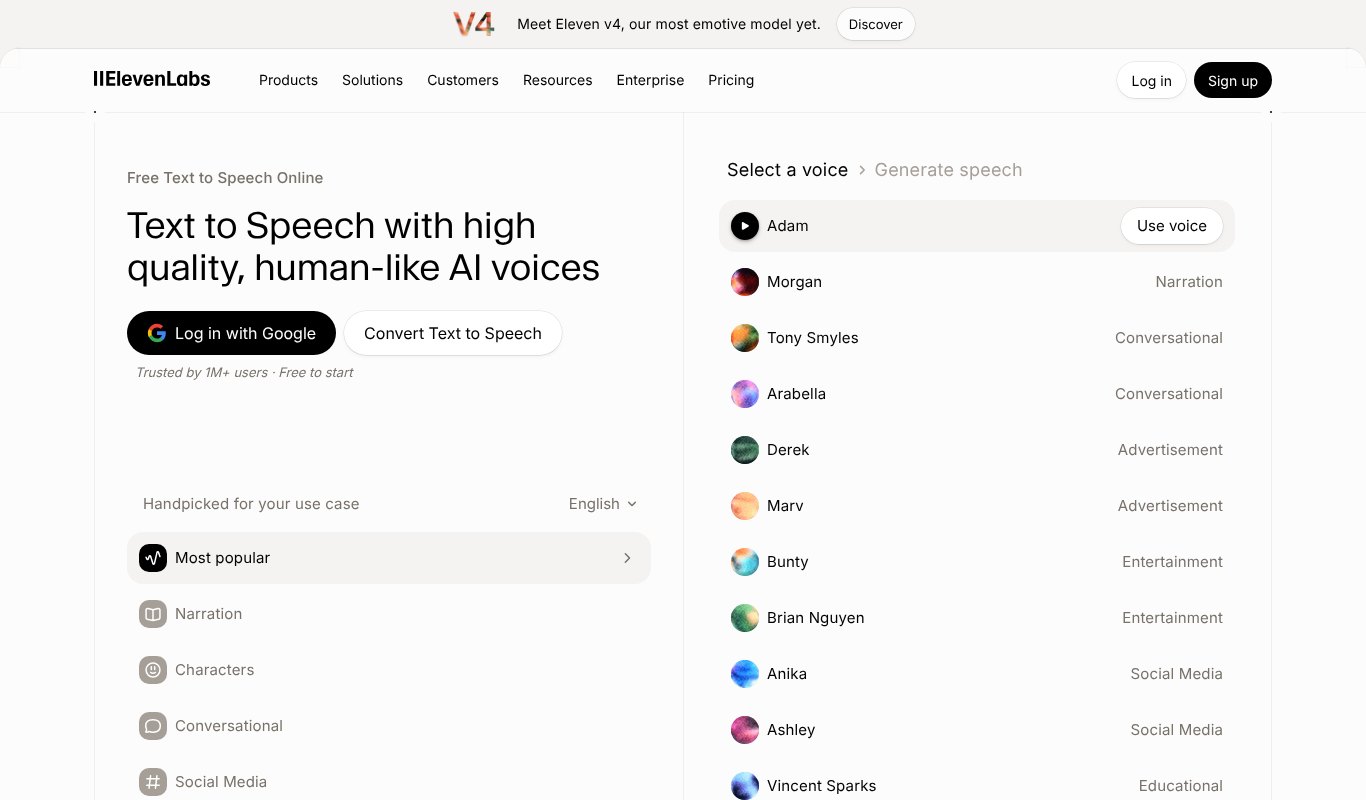
ElevenLabs is the name most people know, and in 2026 it raised the bar again.
Its new Eleven v4 model, launched in September, reads the emotion in your text and adjusts its tone, pace and character to match. A faster v4 Turbo version is built for live conversations. You also get voice cloning, dubbing, a huge voice library and support for over 70 languages.
Pricing
Free plan with about 10 minutes a month. Starter is $6 a month, Creator is $22 and Pro is $99. Paying yearly gives you two months free.
Pros
- The most expressive voices you can buy right now
- Excellent voice cloning
- Big library of community voices
Cons
- Credits run out quickly on cheaper plans
- Gets expensive for long audiobooks or daily videos
- Lots of products, which can feel confusing at first
3. Murf AI
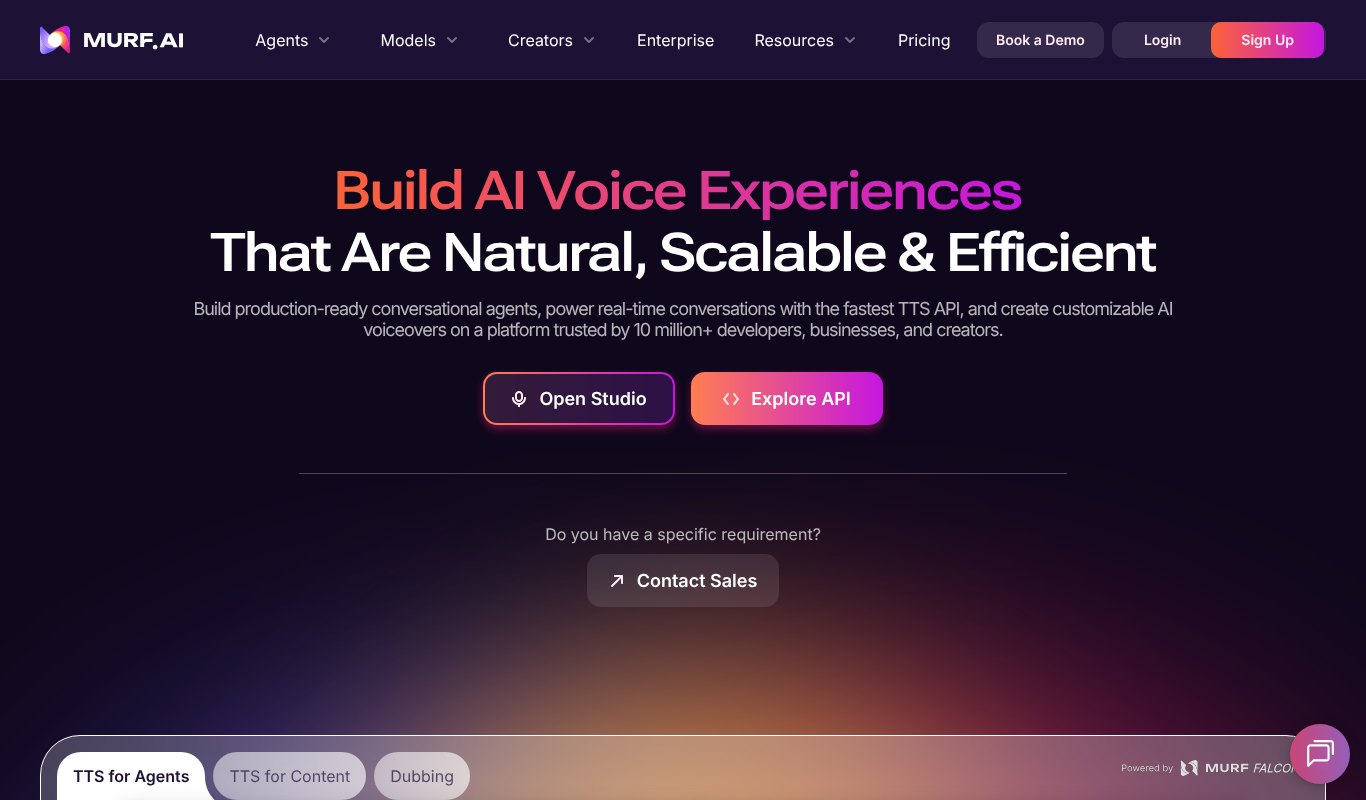
Murf is a favorite with businesses, trainers and marketers.
Its studio lets you line up your voiceover with slides or video, then fine-tune pitch, speed, pauses and emphasis word by word. It also connects with tools like Google Slides and Canva, and now offers a fast voice API for AI agents.
Pricing
Free plan with 10 minutes and no downloads. Creator is $29 a month, or $19 a month billed yearly. Business is $99 a month, or $66 yearly.
Pros
- Easy studio for syncing voice with slides and video
- Fine control over every word
- Good choice for teams
Cons
- Only about 2 hours of voice a month on Creator
- Unused time does not roll over
- The free plan can't download audio
4. Speechify Studio
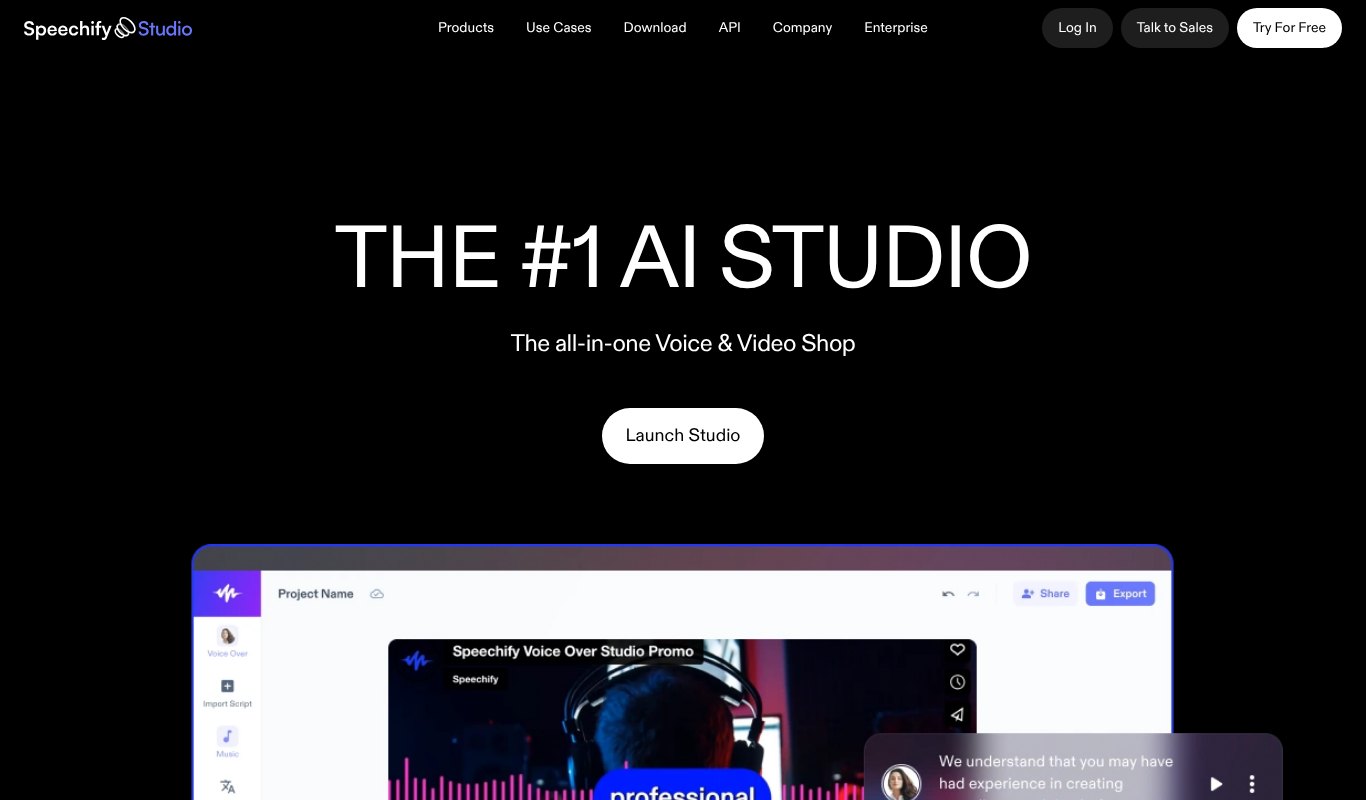
Speechify is famous for reading articles and PDFs aloud. Speechify Studio is its creator side, made for voiceovers.
You get over 1,000 voices, dubbing into about 20 languages, AI avatars and simple video editing in one place. It's popular with YouTubers and social media creators.
Pricing
Free plan without commercial rights. Studio Starter is $100 a year, which covers about 24 hours of voiceover. Studio Creator is $300 a year.
Pros
- Huge voice library
- Voice, dubbing and video in one app
- Generous hours for the price
Cons
- Studio plans are sold yearly only
- Fewer voiceover languages than some rivals
- The free plan can't be used for paid work
5. WellSaid
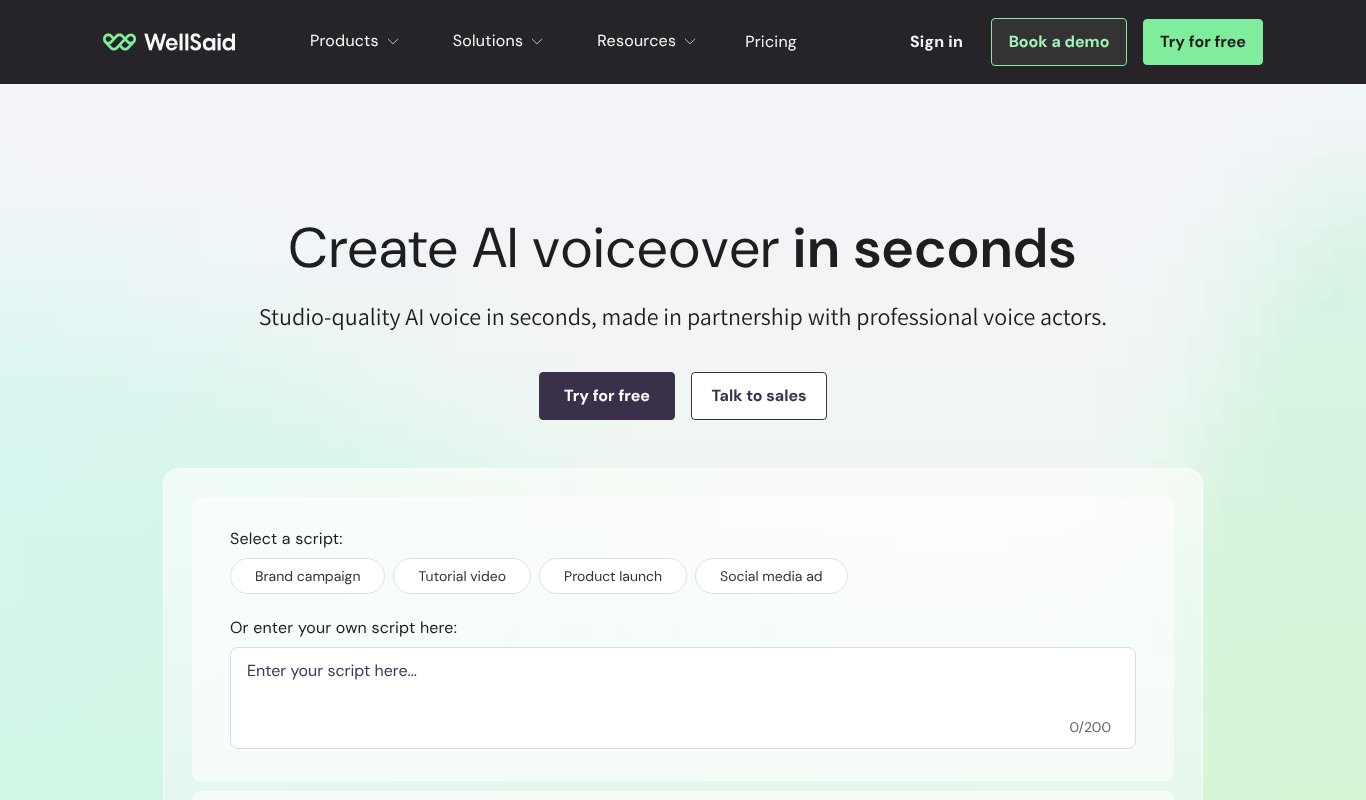
WellSaid is built for companies that need polished, safe, on-brand voices.
Its voices are made with paid professional voice actors, which matters to brands worried about rights. It's a common choice for training videos, e-learning and corporate explainers, and it works inside Adobe Express and Premiere Pro.
Pricing
Free trial with 3 download minutes a month. Starter is $19 a month, or $10 a month billed yearly. Pro is $49 a month, or $33 yearly.
Pros
- Very clean, professional voices
- Ethically sourced voice actors
- Unlimited generation on paid plans
Cons
- Only English voices below the Enterprise plan
- Download minutes are limited
- Less playful than creator-focused tools
6. Descript
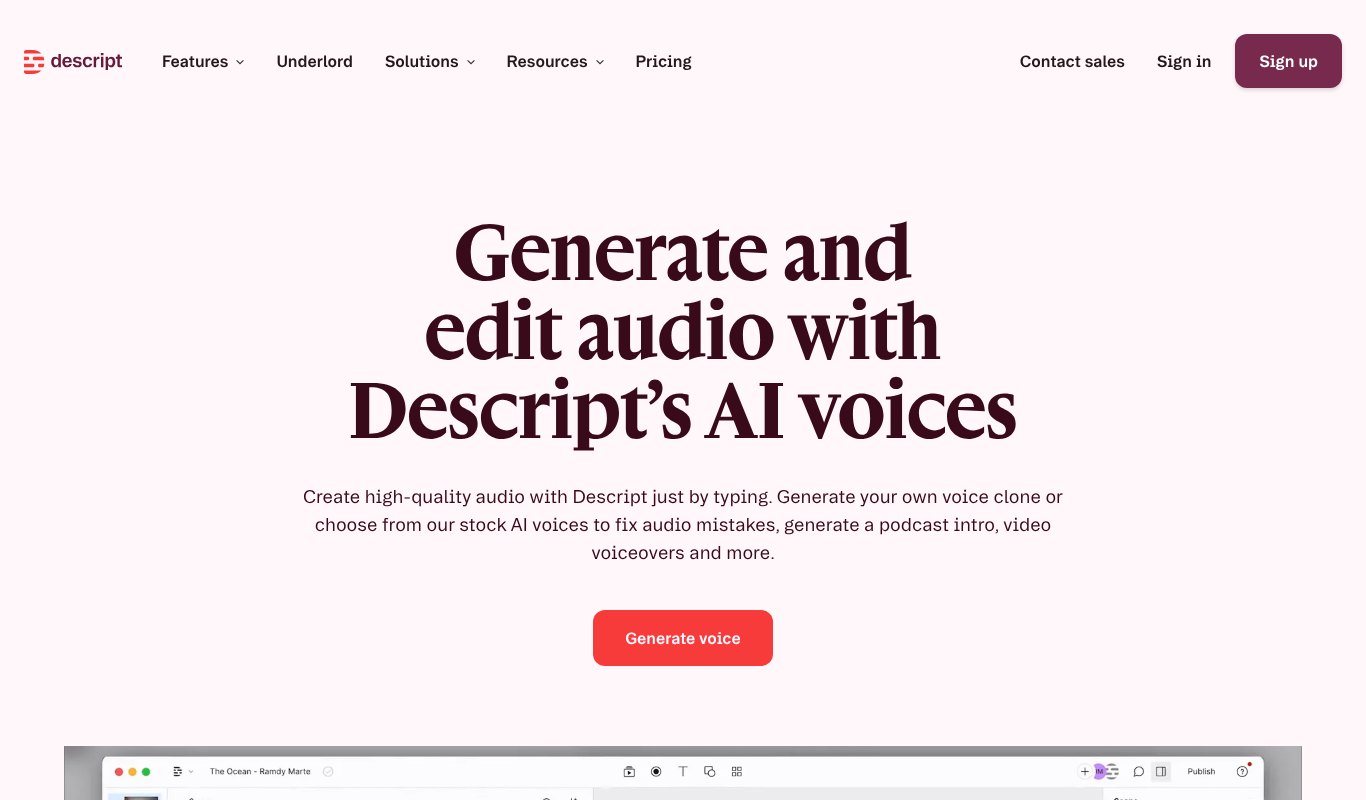
Descript is an audio and video editor first, with AI voices built in.
You edit your recording like a text document. Made a mistake? Type the right word and your AI voice clone says it for you. It's a lifesaver for podcasters and YouTubers.
Pricing
Free plan to try it. Hobbyist is $24 a month, or $16 billed yearly. Creator is $35, or $24 yearly. Business is $65, or $50 yearly.
Pros
- Fix mistakes by typing
- Full editor for audio and video
- Voice cloning included on paid plans
Cons
- Only 25+ stock voices on most plans
- AI features share one pool of credits
- Overkill if you only need voiceovers
7. Fish Audio
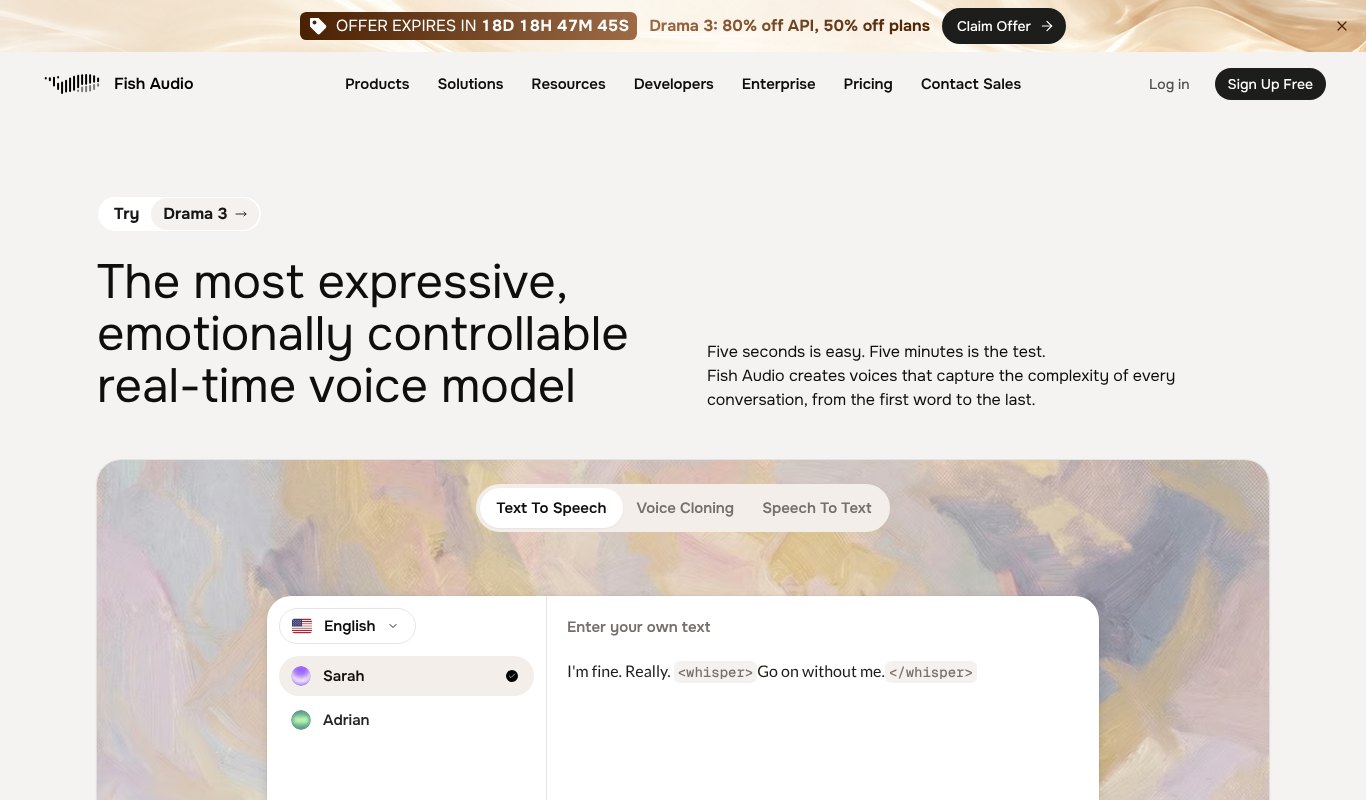
Fish Audio has quietly become one of the best value voice tools around.
Its new Drama 3 model lets you control emotion with simple tags in your text, like whispering, excited or sad. It can even laugh and sigh. Voice cloning is quick, and it speaks over 30 languages.
Pricing
Free plan for personal use. Plus is $15 a month, or $11 a month billed yearly, with about 200 minutes of audio. Pro is $100 a month.
Pros
- Very expressive voices with easy emotion tags
- Strong voice cloning
- Good price for the quality
Cons
- Free plan is personal use only
- Huge community library varies in quality
- Fewer studio editing tools
8. Cartesia
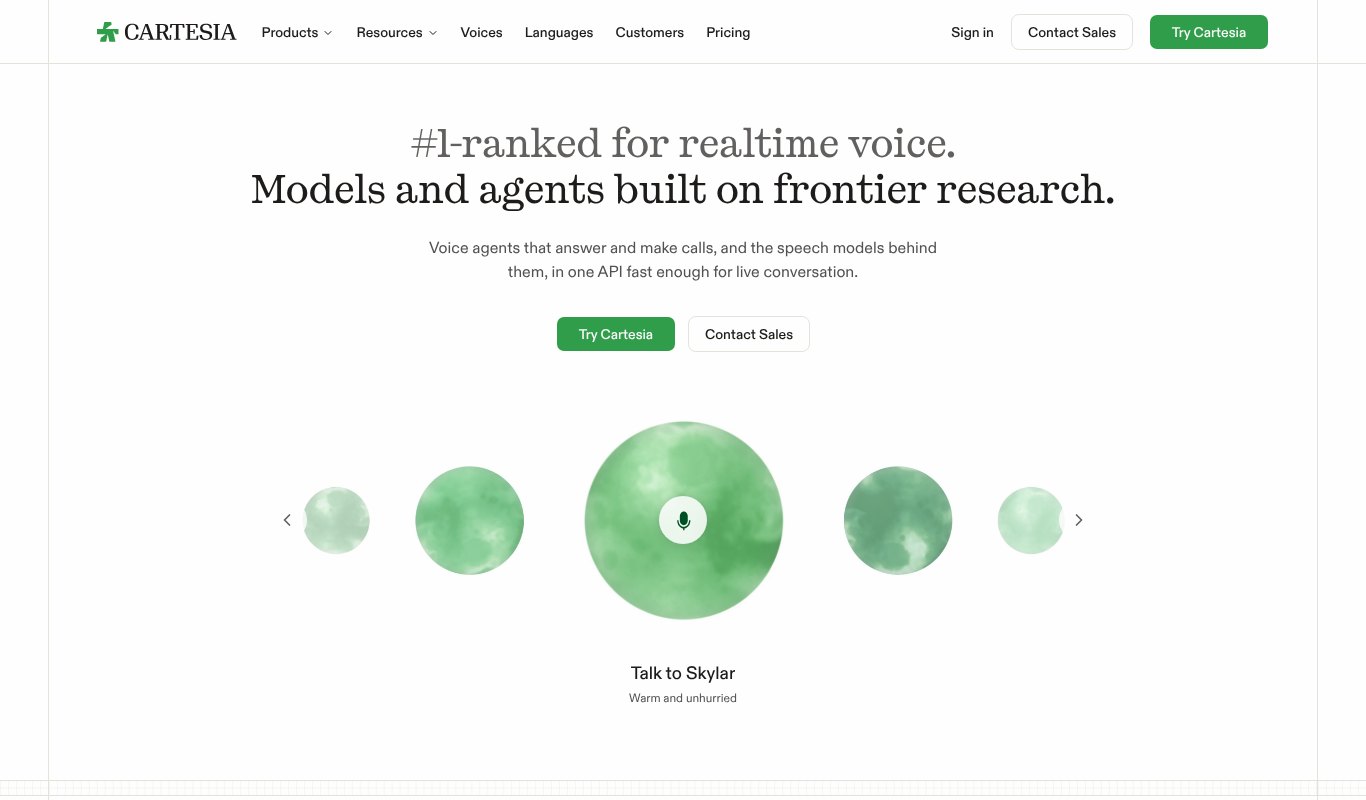
Cartesia is all about speed.
Its Sonic voices start talking almost instantly, which is why so many AI phone agents and voice assistants run on it. You can also clone a voice in seconds and use its voices for regular voiceovers.
Pricing
Free plan with about 27 minutes a month. Pro is $5 a month for about 133 minutes. Startup is $49 a month.
Pros
- Extremely fast, great for live conversations
- Cheap entry plan with voice cloning
- Strong developer tools
Cons
- Built mainly for developers and AI agents
- Simpler studio than creator tools
- Minutes go fast on the cheapest plan
9. Revoicer
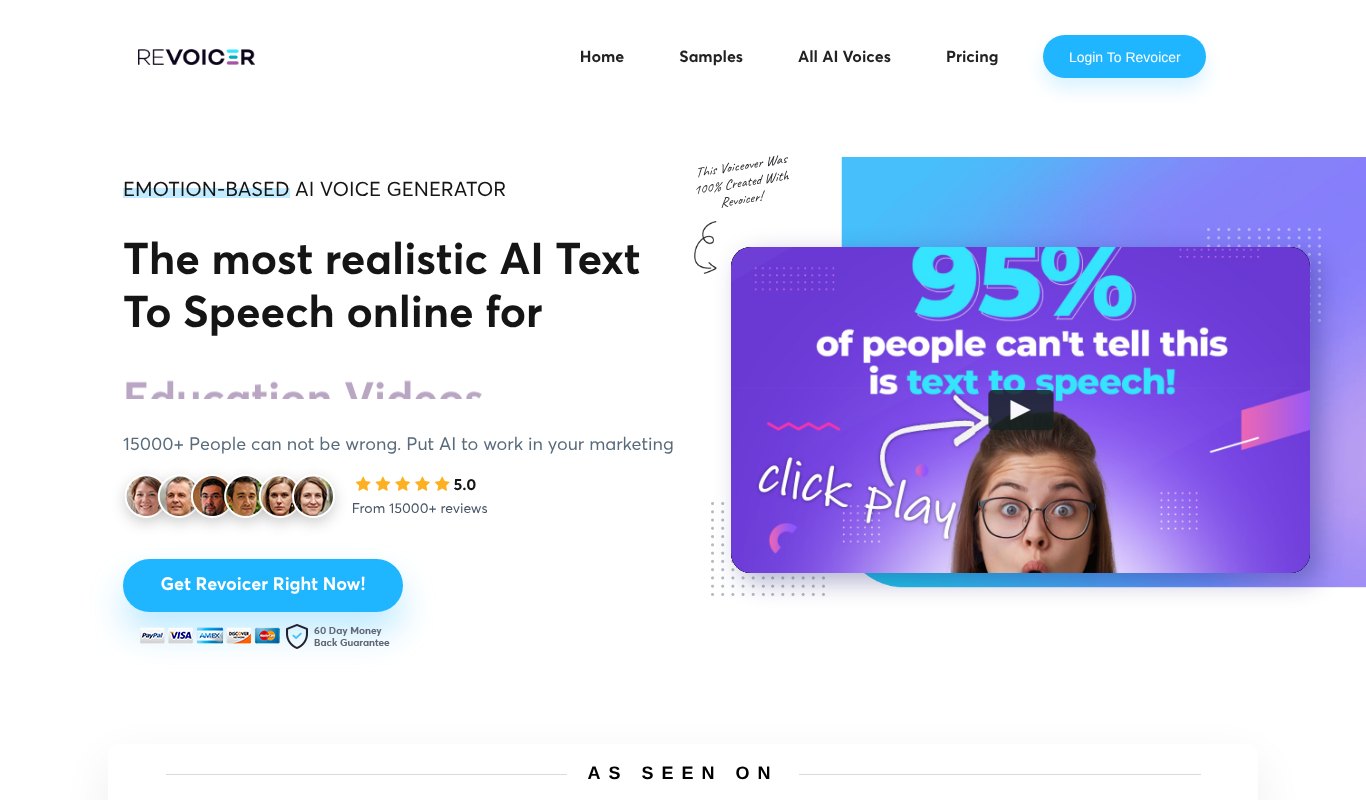
Revoicer is for people who hate subscriptions.
It offers 100+ voices on its one-time plan and lets you pick emotions like cheerful, sad, whispering or excited. It's simple to use and works in over 40 languages.
Pricing
Standard is a one-time $67. Pro is $47 a month and Agency is $127 a month. Voice cloning is a $47 add-on.
Pros
- Pay once option
- Easy emotion controls
- Simple, no-fuss interface
Cons
- Emotions only work on 11 English voices
- Voice cloning costs extra
- Not as natural as the newest models
10. Google Gemini TTS
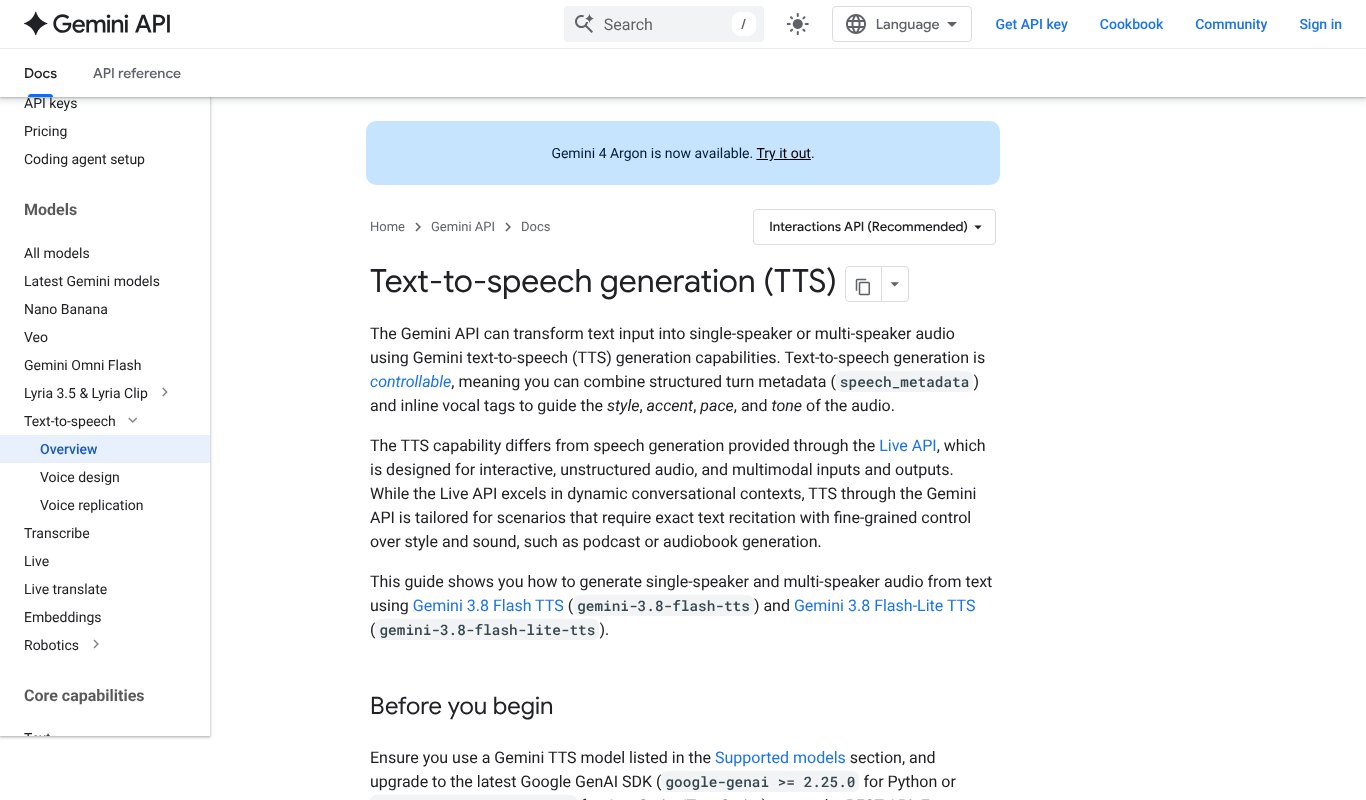
Google's Gemini voices got a big upgrade this year.
Gemini 3.8 Flash TTS supports around 130 languages, handles two speakers in one script, and lets you control style, accent and pace with plain instructions. You can even design a brand-new voice by describing it in words. You can try it for free in Google AI Studio.
Pricing
Free to try in Google AI Studio. For apps, you pay per use through the Gemini API, which works out to cents per minute of audio.
Pros
- Huge language support
- Design voices from a description
- Very low cost per minute
Cons
- Made for developers more than creators
- No simple voiceover studio
- Pricing by tokens is hard to estimate
11. Speaktor
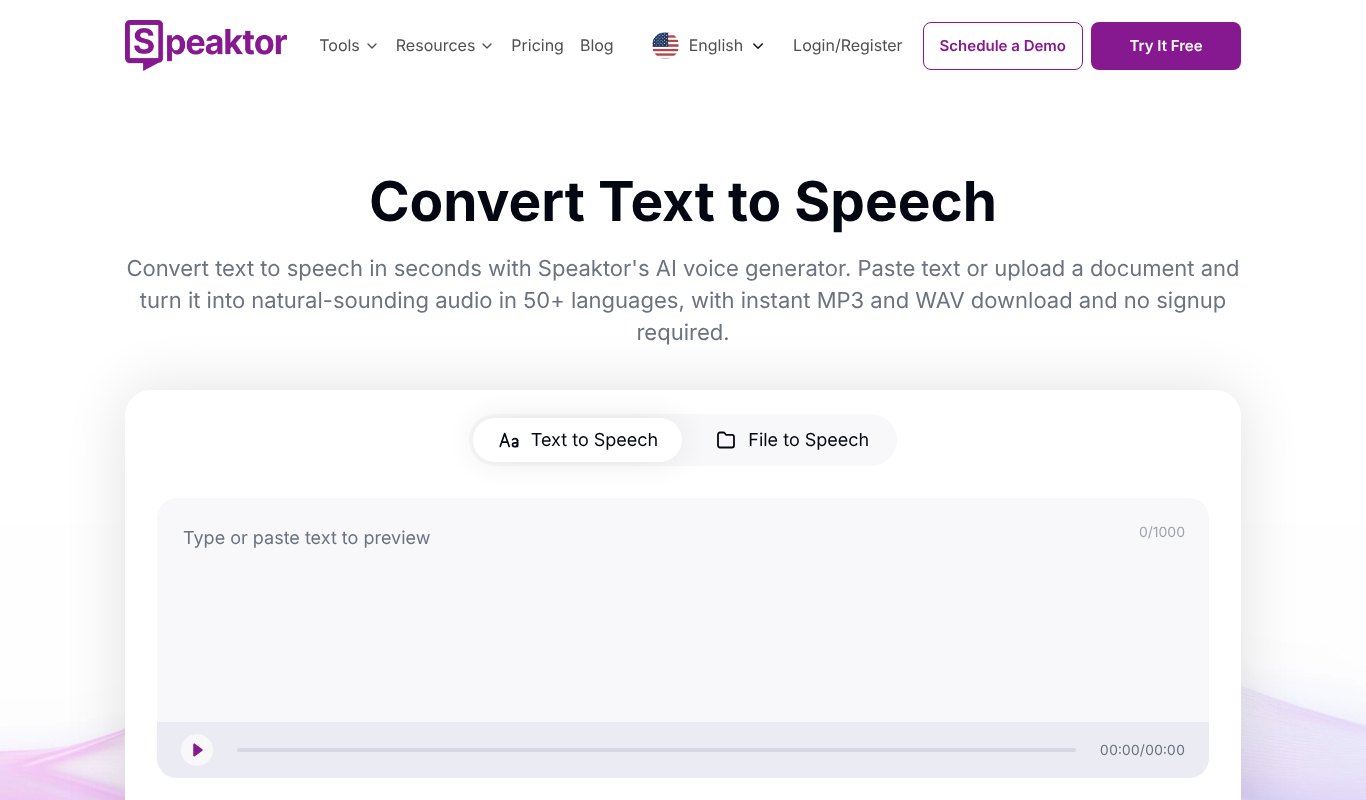
Speaktor is the simple, low-cost choice.
Paste text or upload a document, pick a voice, and download an MP3. It supports 50+ languages, and teams can share one account. Great for students, teachers and anyone who wants documents read aloud.
Pricing
Free to try. Lite is $4.99 a month billed yearly for 90 minutes a month. Pro is $12.49 a month for 600 minutes.
Pros
- Very cheap
- Upload whole documents
- Lots of languages
Cons
- Best voices use up credits faster
- Fewer creative controls
- Not built for multi-speaker content
Price Comparison at a Glance
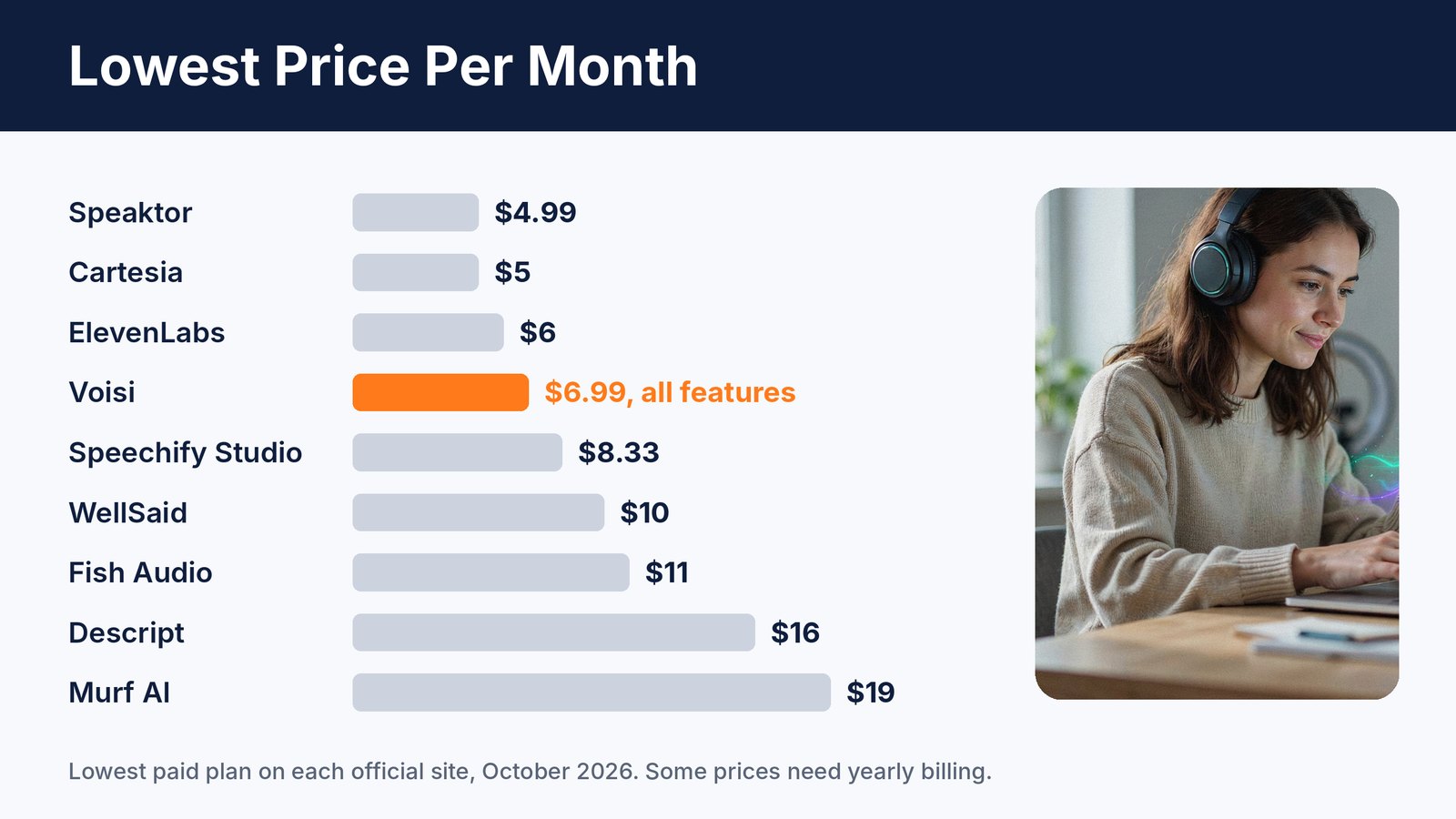
Here's the lowest monthly price each tool shows on its own site. Revoicer is a one-time payment, and Gemini is pay as you go, so they're not on the chart.
A few tools start a little cheaper than Voisi, but they give you a small number of minutes and one kind of voice. Voisi gives you hundreds of voices, cloning, conversations, translation and music for about the same price.
7 Tips to Make AI Voices Sound More Human
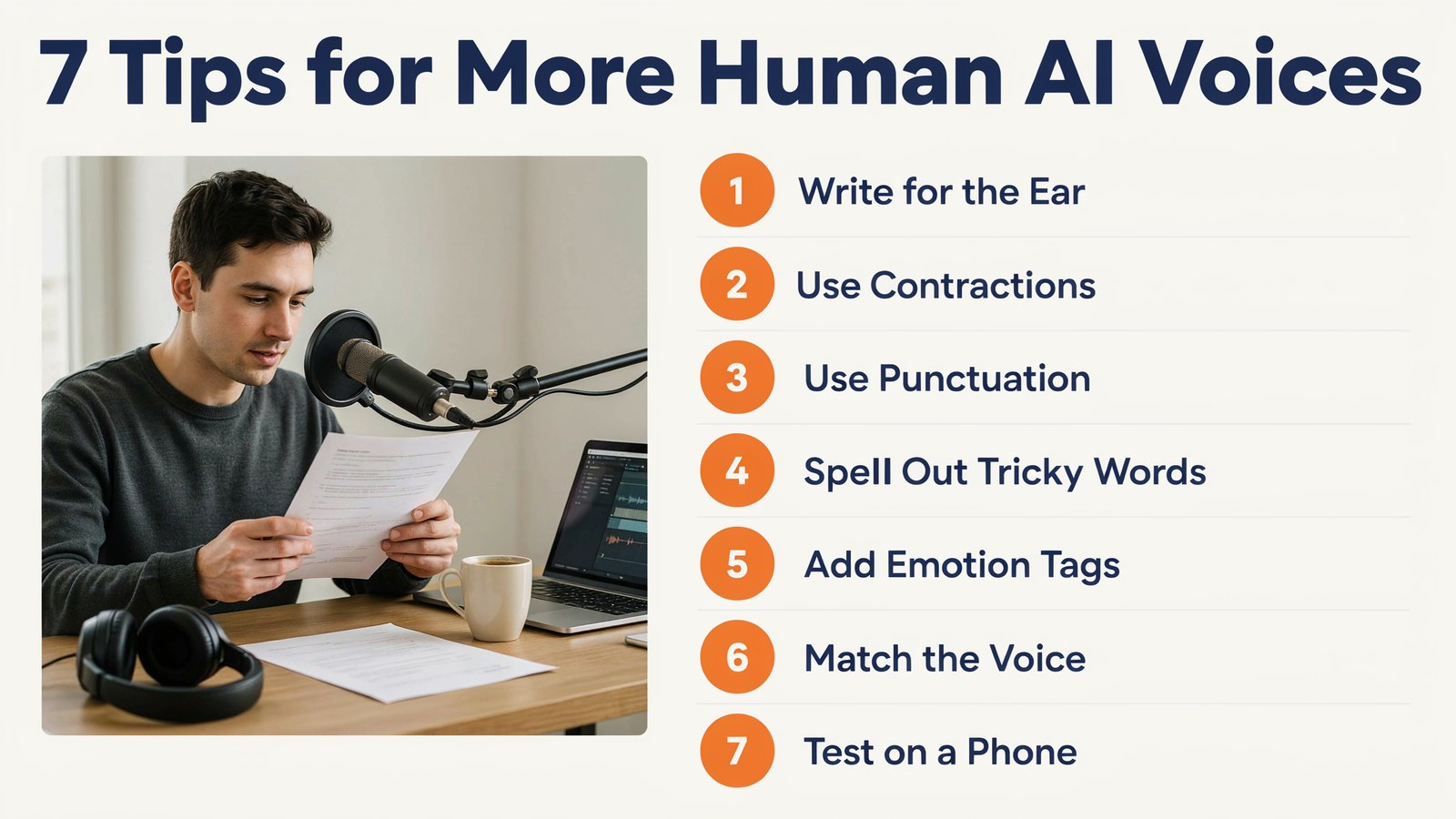
Even the best AI voice needs a good script. Here's how to get natural results.
1. Write for the ear
Use short sentences and everyday words. Read it out loud yourself first. If you stumble, the AI will too.
2. Use contractions
Say "it's" and "you're" instead of "it is" and "you are". It sounds far more relaxed.
3. Use punctuation to steer the voice
Commas create small pauses. Full stops create longer ones. Question marks lift the voice at the end.
4. Spell out tricky words
Write numbers, dates and brand names the way they should sound. For example, write "twenty twenty-six" if the voice keeps saying it wrong.
5. Use emotion tags when you have them
Tools like ElevenLabs and Fish Audio let you add directions like excited or whispering. Use them lightly. A little goes a long way.
6. Match the voice to the job
A calm voice for training. An upbeat voice for ads. A warm voice for stories. The wrong voice can sink a great script.
7. Listen on a phone
Most people will hear your audio on a phone speaker or cheap earbuds. Test it there before you publish.
Use AI Voices Honestly
AI voices are now so real that honesty matters more than ever.
Only clone a voice if it's yours, or if you have clear written permission. Label AI voices where platforms ask you to, including on YouTube. And if an AI voice answers your phone, let callers know they're speaking with an AI.
Your audience will trust you more for it.
Frequently Asked Questions
What is the most realistic AI text to speech in 2026?
ElevenLabs v4 is widely seen as the most expressive right now, with Fish Audio and Google Gemini TTS close behind. Voisi lets you choose from hundreds of voices across several top providers in one app.
Is there a free AI text to speech tool?
Yes. ElevenLabs, Murf, Speechify, Descript, Fish Audio, Cartesia and Speaktor all have free plans, and Google AI Studio lets you try Gemini TTS for free. Most free plans don't allow commercial use, so check before you publish.
Can I use AI voices in monetized YouTube videos?
Yes, as long as your plan includes commercial rights. Paid plans usually do. Free plans often don't.
Which AI voice tool is the cheapest?
Speaktor and Cartesia have the lowest entry prices, but with limited minutes. For an all-in-one tool with voices, cloning, translation and music, Voisi is the best value at $6.99 a month or $67 a year.
Final Thoughts
AI voices have crossed a line this year. Most listeners can't tell the difference anymore.
That's great news for creators and small businesses. You can make voiceovers, podcasts and ads without a studio or a voice actor.
If you want the most expressive single voice, try ElevenLabs. If you work in a big team, look at Murf or WellSaid.
But if you want hundreds of voices, cloning, conversations, translation and music in one simple app for the price of a coffee, try Voisi today.